Getting Started
For quick start, please make sure uv is installed (installation guide) and run the following command in a terminal:
then navigate to http://localhost:8000/hmi/ on a browser.
This will open a radar HMI, initially with no scenario loaded.
To load a scenario, select Load new scenario at the top left of the window.
A window will appear in the middle of the screen, select Artificial, then I-Sector Two Aircraft and finally, Load.
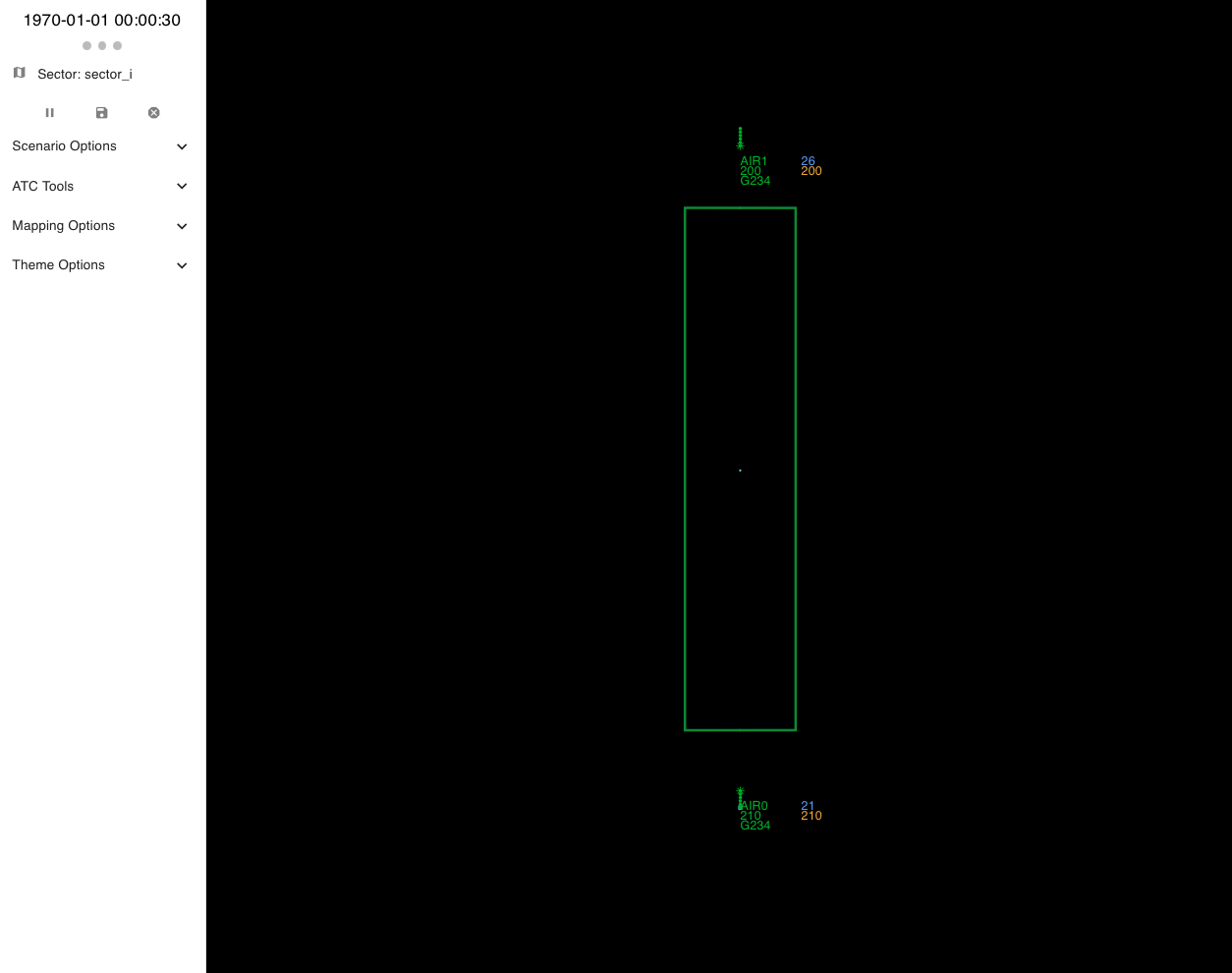
With the scenario loaded, the aircraft and sector should now be visible in the radar. Clicking the play icon in the top left of the screen will make the simulation evolve making the aircraft move.
Quick start for developing agents
Instructions for interfacing with the digital twin to make agents are available:
- here for using the gymnasium
- here for using the REST API from any language
- here to directly interact with the digital twin
ATC concepts
The ATM industry is niche and therefore we have provided an introduction to key concepts necessary to understand the problem here.